
UX vs UI: Two Sides of the Same Digital Experience

If you’ve ever used an app that looked beautiful but felt confusing — or one that worked flawlessly but looked boring — you’ve already experienced the difference between UX and UI.
They’re closely connected, often spoken about together, but they solve very different problems.
Let’s break it down in a simple, human way.
What is UX (User Experience)?
UX is about how something works and feels.
It focuses on the entire journey a user goes through — from the moment they encounter a product to the moment they achieve their goal.
Good UX answers questions like:
- Is this easy to understand?
- Does this solve the user’s real problem?
- Is the journey smooth, logical, and stress-free?
UX is invisible when done right — but painfully obvious when done wrong.
What is UI (User Interface)?
UI is about how something looks and responds.
It deals with the visual and interactive layer — colours, buttons, typography, spacing, animations, and micro-interactions.
Good UI answers questions like:
- Does this look clear and appealing?
- Is it visually consistent?
- Does it guide the user’s attention naturally?
UI is what users see — UX is what users feel.
UX vs UI — Clear Comparison Table
| Aspect | UX (User Experience) | UI (User Interface) |
| Definition | Focuses on overall user journey, usability, and problem-solving | Focuses on visual design and interactive elements |
| Usage | Used to structure flows, journeys, and product logic | Used to present content clearly and attractively |
| Skills | Research, analysis, empathy, strategy, information architecture | Visual design, typography, color theory, layout, interaction design |
| Methods | User research, personas, journey mapping, usability testing | Visual design, typography, colour theory, layout, interaction design |
| Tools | Research tools, whiteboards, journey maps, usability testing tools | Design tools like Figma, Sketch, Adobe XD |
| Experience | Concerned with how smooth, logical, and intuitive the experience feels | Concerned with how polished, engaging, and consistent the interface looks |
| Area of Work | Problem definition, user needs, product flow, experience strategy | Screens, buttons, icons, colours, animations,and visual hierarchy |
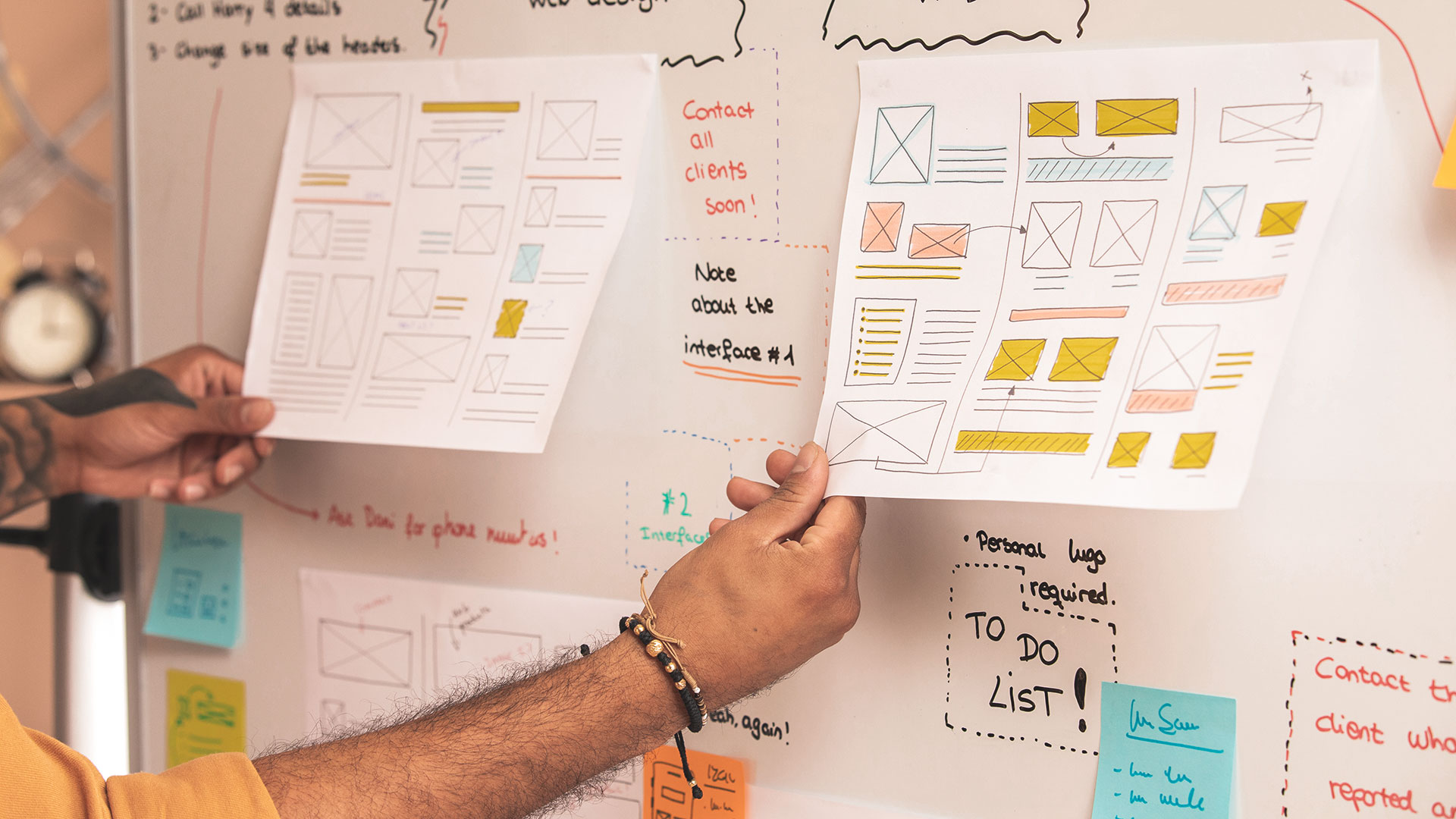
How UX and UI Work Together
Think of it like building a house:
- UX is the blueprint — room placement, movement flow, purpose.
- UI is the interior design — colours, furniture, lighting, finishes.
A great product needs both:
- UX without UI feels unfinished.
- UI without UX feels frustrating.
When UX and UI work in harmony, users don’t think — they just use.
Final Thought
UX and UI are not rivals.
They’re partners.One shapes the experience.
The other shapes the expression.And when both are done right, users don’t notice the design —
they just enjoy the journey.Have you ever used an app where UX or UI made a strong impression on you — good or bad?